WordFlyers content on LiteracyPlanet
Students in Years/Grades 5 - 10 will now have access to more high-quality learning activities with the inclusion of content previously available on WordFlyers.
This marks an important step in making LiteracyPlanet an even more comprehensive platform that supports the needs of your students.
Students will now see a WF icon on their menu. Selecting this icon will take them to the new WordFlyers content where they can explore and choose lessons to complete.

Note: the icon is only visible to students in Years/Grades 5 and higher.
Upcoming releases will provide you with WordFlyers reporting and then task assignment. We will let you know as soon as each update is available.
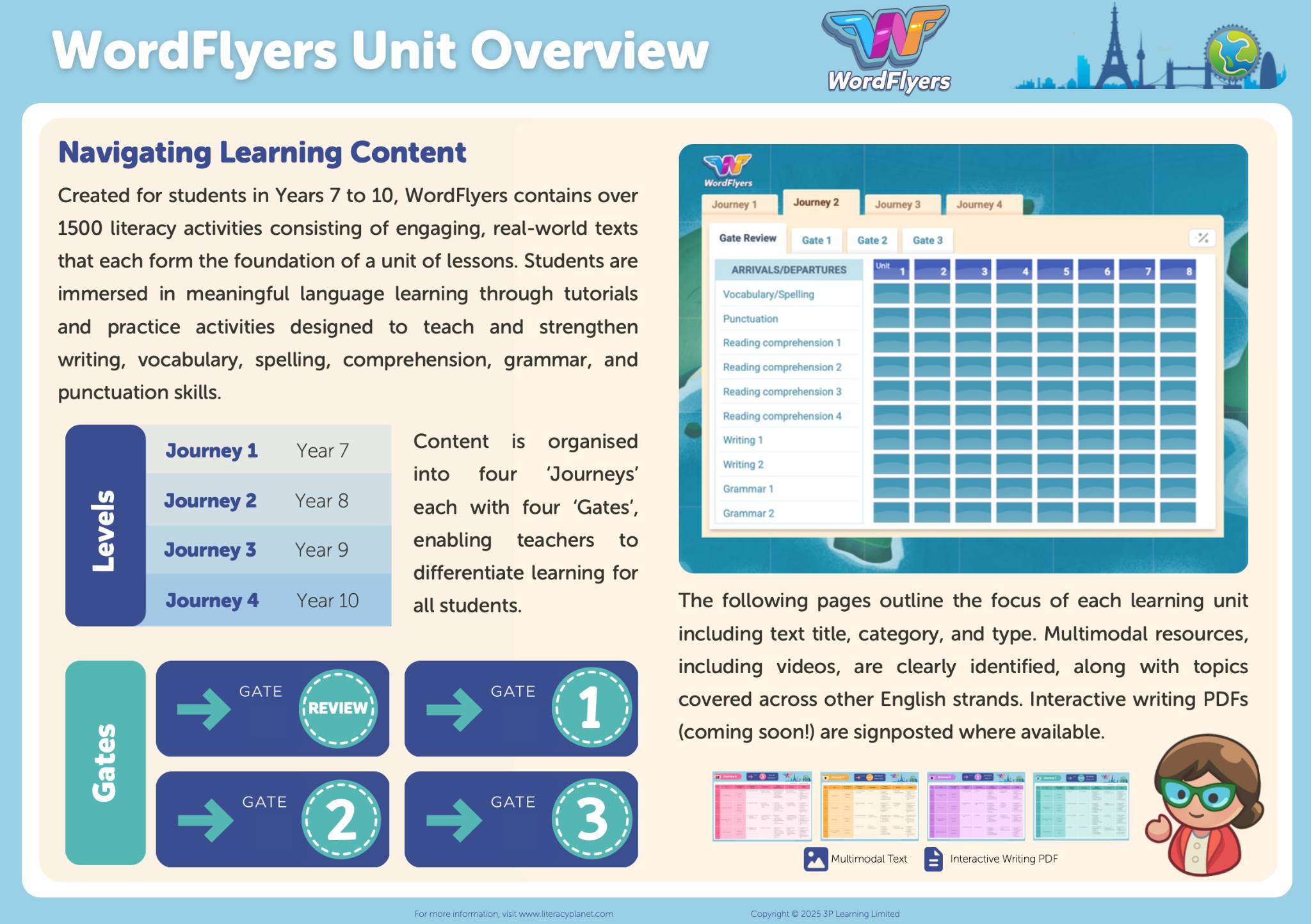
You can find a WordFlyers feature sheet with in-depth information about the content and how to navigate it on the platform here:
View or download full content overview here
- Check out how to assign a Wordflyers level here
- Check out how to read the Wordflyers reports here
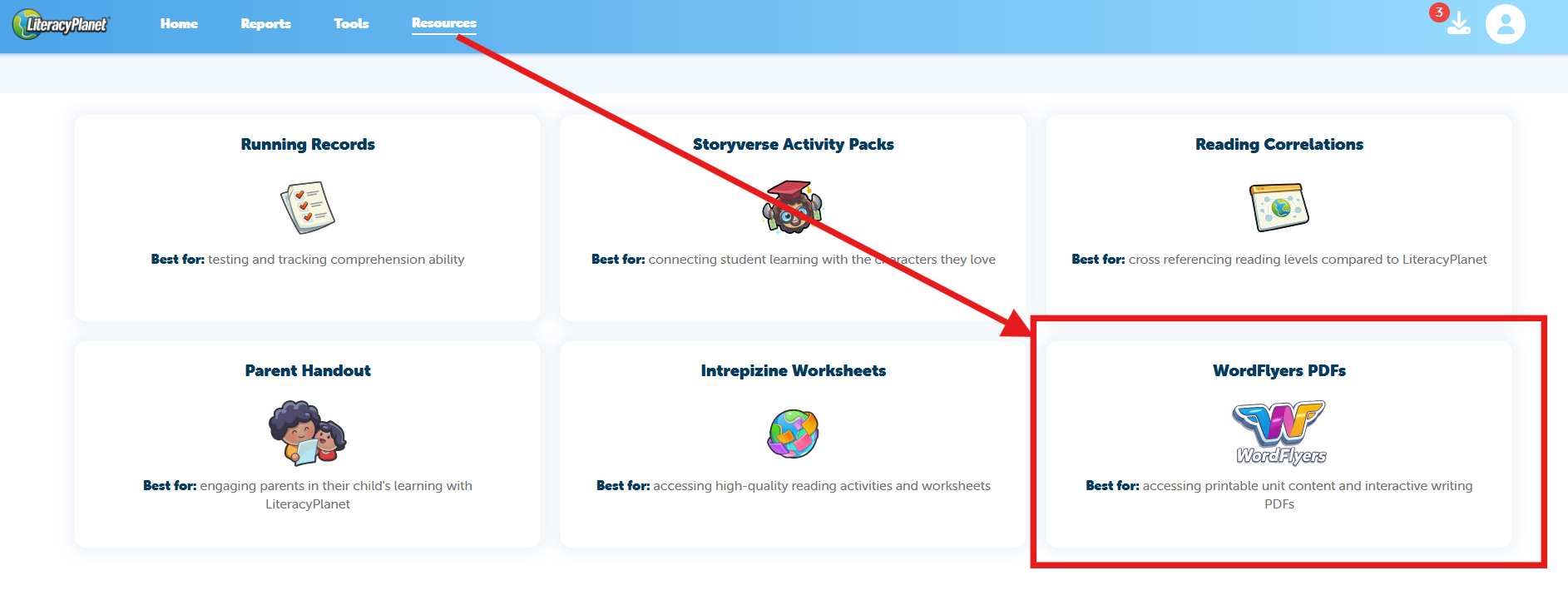
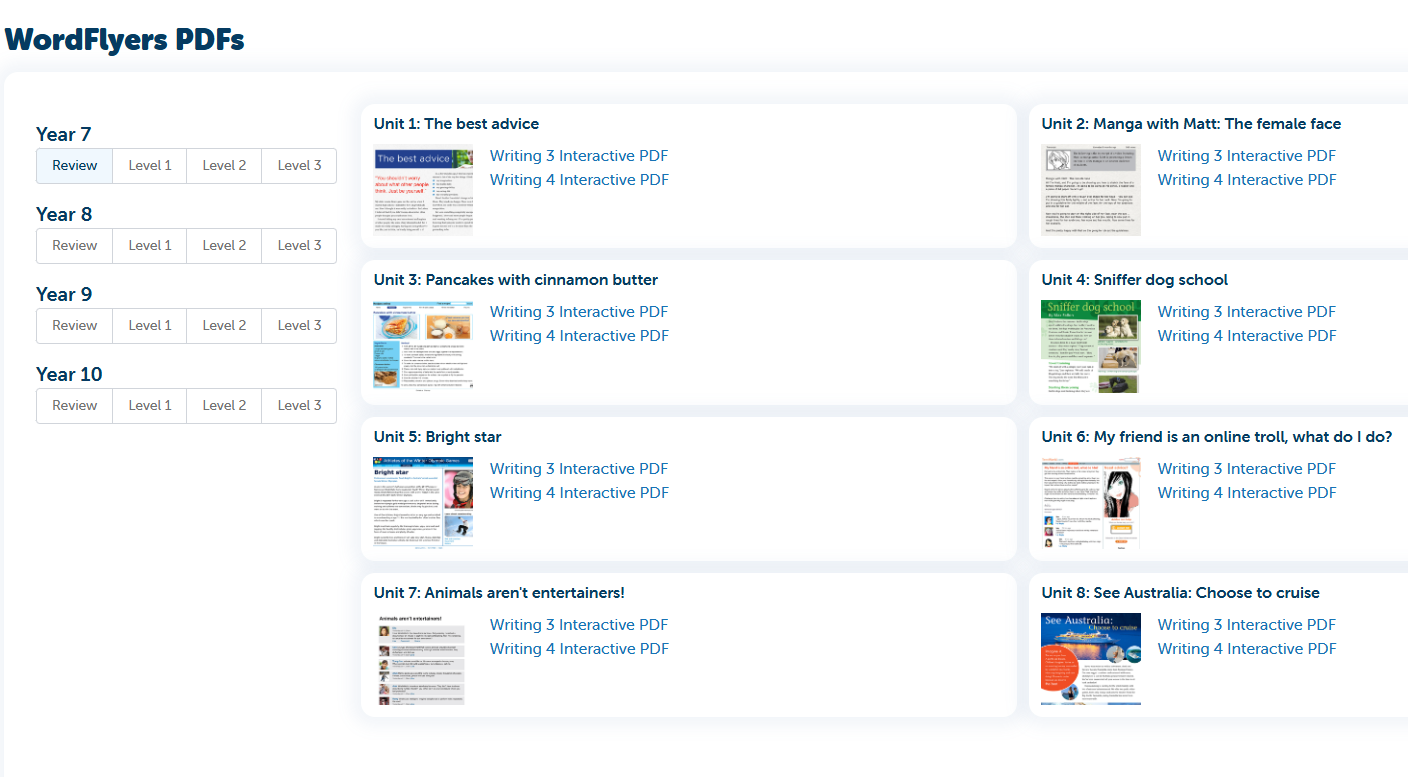
WordFlyers now includes interactive writing PDFs to support your students’ learning. These are available in the Resources section of the teacher platform.