
QR code log in
If you have provided your student with a QR code, they can now use it to log in easily. For instructions on printing student login QR codes, please refer to the relevant help article. "print student logins & QR codes."
When a student opens the LiteracyPlanet login page, they simply select the QR code login option.
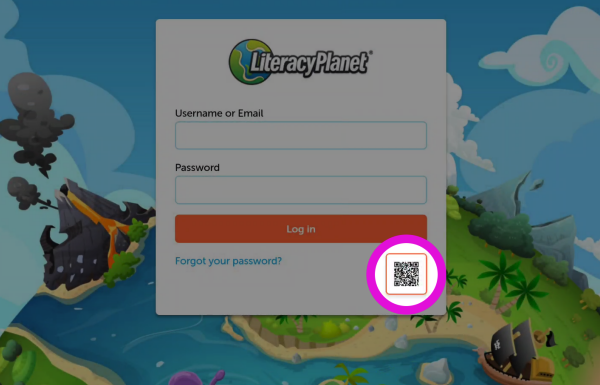
After clicking on the QR code, the student will be prompted to grant access to the camera.
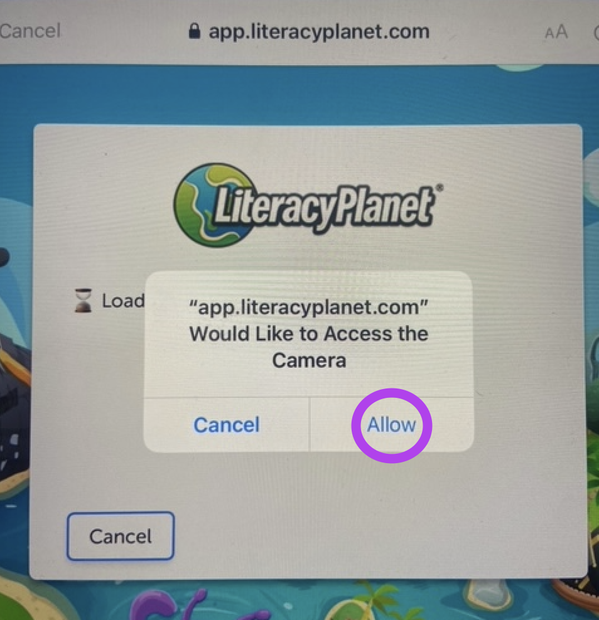
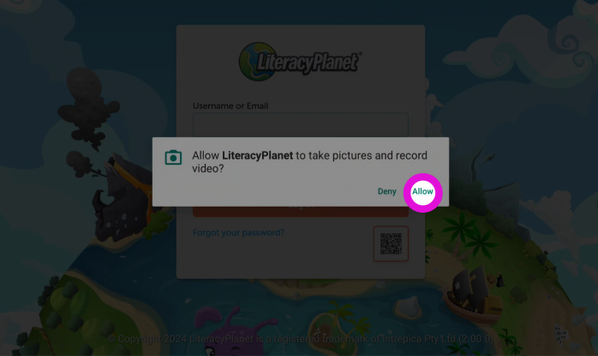
Once permission is granted, the student can scan the QR code provided by the teacher by holding the device camera over it.
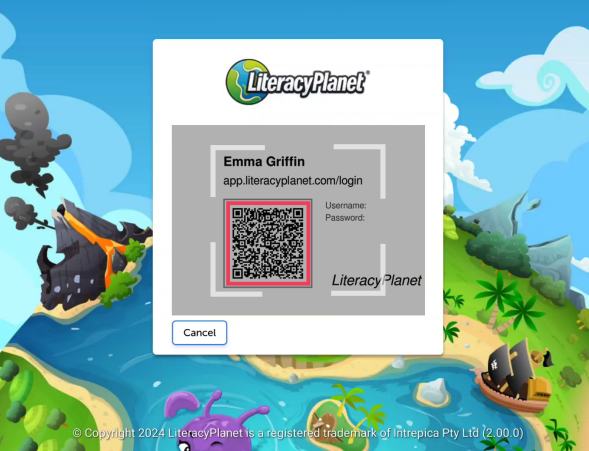
✨ Tip: Store each student’s QR code securely so it’s easy for them to access for future logins.